Ramon Leon Screencast
Ramon Leon has posted his first screencast showing how to create a simple blog with comments using Seaside and Magritte. It's a nice look into how someone experienced with the Squeak environment designs, creates and wires up several objects. It also shows off the power and speed of development that Seaside offers.
Setting a Background Image in Squeak
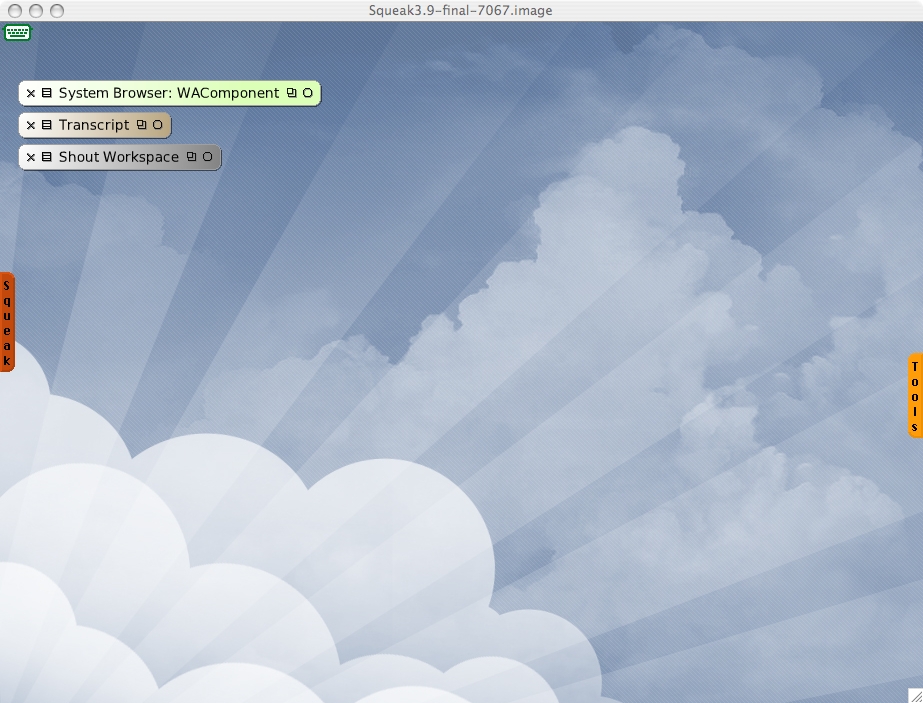
If you're tired of the default background in Squeak and want to use your favorite wallpaper, do the following:
If you're looking for some original wallpapers, check out deviantART.

- Left-click anywhere on the squeak desktop and choose "open..." then "file list".
- Navigate to the directory containing your image.
- Click on the image. The buttons in the top-right corner of the file list window are context sensitive and will add three buttons when an image is selected: "import", "open", and "background".
- With your image highlighted, click on the "background" button.
- Enjoy!
If you're looking for some original wallpapers, check out deviantART.
Subscribe to:
Posts (Atom)